
Name-Based Case Searches
Common Pleas name searches run through Paulding eServices. The individual route asks for Last Name, First Name, Middle Name, and Suffix, with a separate Company Name option. Last and First Name are required on that route. Beyond names, the portal lets you narrow by Case Type, Case Status, Party Type, and date-of-birth, date-of-death, or file-date ranges. Keep in mind this Paulding Common Pleas tool covers public case information for that court alone. It is not a combined countywide search.
- Classify the matter first. Felony, general civil, and domestic-relations cases point to the Paulding County Court of Common Pleas; traffic, misdemeanor, parking, small-claims, and limited civil matters point to the separate Paulding County Municipal Court.
- Open the Paulding eServices public search for a Paulding Common Pleas name search and enter the required last and first names.
- Use the visible Paulding eServices case-type, status, party-type, or date fields only when they help distinguish the person or business being sought.
- For a lower-court name search, enter the Paulding Municipal Court CaseLook format of last name, space, first name and middle name, use one criterion at a time, then complete the CAPTCHA.
| Field label | Type | Required | Paulding County search note |
|---|---|---|---|
| Last Name | Text | Yes in Paulding eServices individual route | Pair it with First Name for Common Pleas individual searches. |
| First Name | Text | Yes in Paulding eServices individual route | Middle Name and Suffix are additional visible fields. |
| Company Name | Text | Alternative route | Use instead of an individual name when appropriate. |
| Case Type, Status, Party Type | Selection controls | Not stated as required for name route | Available filters in the inspected Paulding eServices interface. |
Paulding eServices lists case types such as Civil, Criminal, Dissolution, Divorce, Court of Appeals, and certificate or tax and lien categories. Status filters cover open, closed, and several reopen options. Note that these labels describe the empty search controls. They do not promise which columns a result will display.
Paulding County Docket Search Starts With the Court
Paulding keeps its records in separate offices. Each office has its own public channel. The Paulding County Clerk of Courts, Legal Division holds Common Pleas civil, felony criminal, and domestic-relations records, along with Third District Court of Appeals records. The Municipal Court Clerk maintains lower-court files instead. Those cover misdemeanor, traffic, civil, small-claims, and parking matters. Probate and Juvenile run their own clerk functions and search channels.
The Ohio trial-court directory lists court rules for Paulding. It covers General and Domestic Relations, Probate, Juvenile, and municipal rules. Choosing the wrong portal is the most common reason a Paulding case seems missing. A Common Pleas case may not appear in CaseLook. A Municipal Court ticket may not appear in eServices either.
Case Number Searches
For Common Pleas, Paulding eServices offers a required free-text Case Number field. An Advanced Case # route splits the entry into a four-digit Year, Case Type, and Number. Each part is required. The portal publishes no case-number pattern. So type the number exactly as the court shows it, never inventing hyphens, prefixes, or codes.
Municipal Court CaseLook works differently. Its Case Number box takes numbers only, no letters, and allows up to 12 characters. An entry like 123456789012 shows that field limit, not a countywide case-number format. Ticket Number sits in its own CaseLook field. The court states no format for it. One ticket can also spawn several charged cases with letter suffixes after a base number. A payment reference never fully identifies a case.
Paulding County Docket Search Uses One CaseLook Criterion
CaseLook's notice tells you to search with one piece of information at a time. The form supports Name/Company, Hearing Date, Case Number, File Date, and Ticket Number. Selected case types and match-count choices round out the options. No single criterion is marked required. The CAPTCHA response is required, though, before a query goes through. The ordinary form shows a sign-in option. It does not say a login is needed for a public search. The official CaseLook case-search form displays this Paulding County docket search interface.
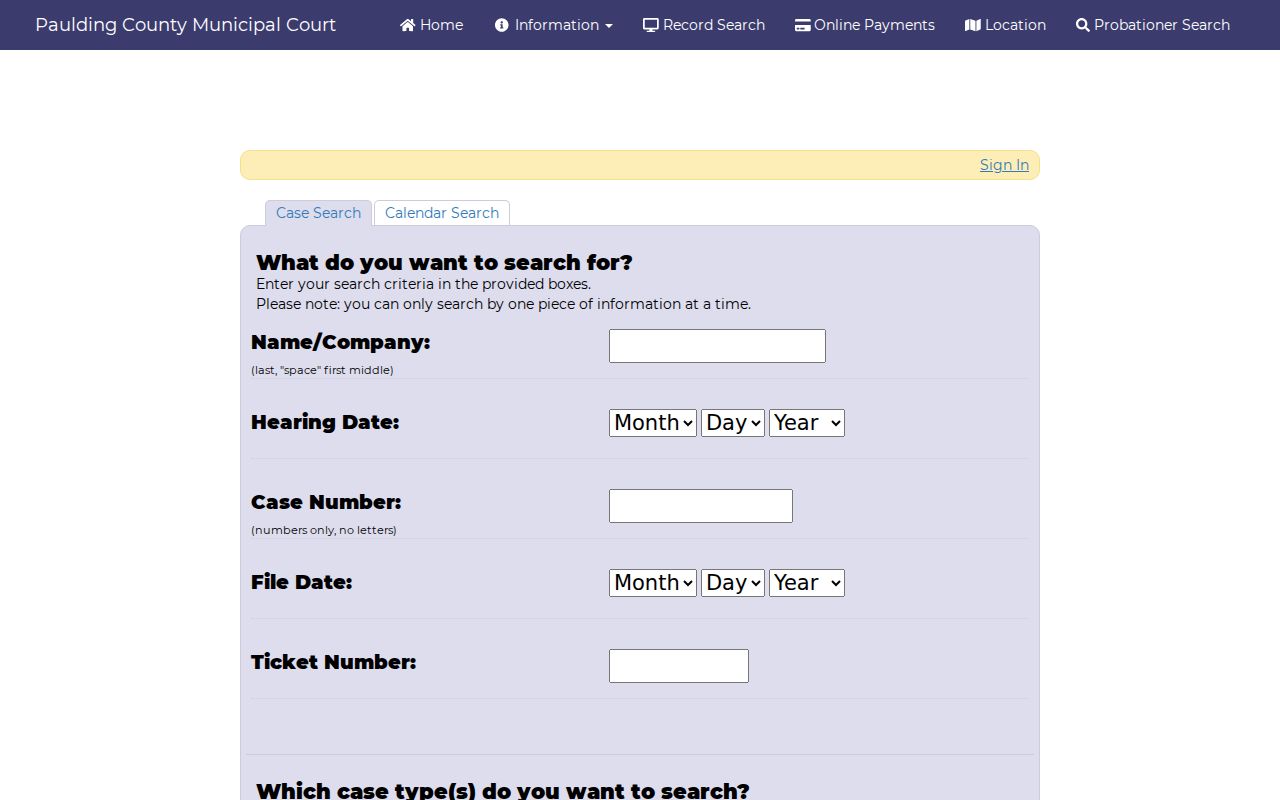
One focused search keeps you from blending name, ticket, and date details in ways the court's form does not instruct. That is the whole point of the single-criterion rule.
Paulding County Docket Search Can Use File or Hearing Date
CaseLook gives Hearing Date and File Date their own controls. Each has month, day, and year menus. The Hearing Date year list runs from 1982 through 2029. The File Date list runs from 1982 through 2026. Those menu ranges describe the empty form. They do not promise a record on every date. A hearing-date hunt can also use the separate Calendar Search tab. Beginning Date is required there. The Municipal Court CaseLook entry page presents this Paulding County docket search calendar view.
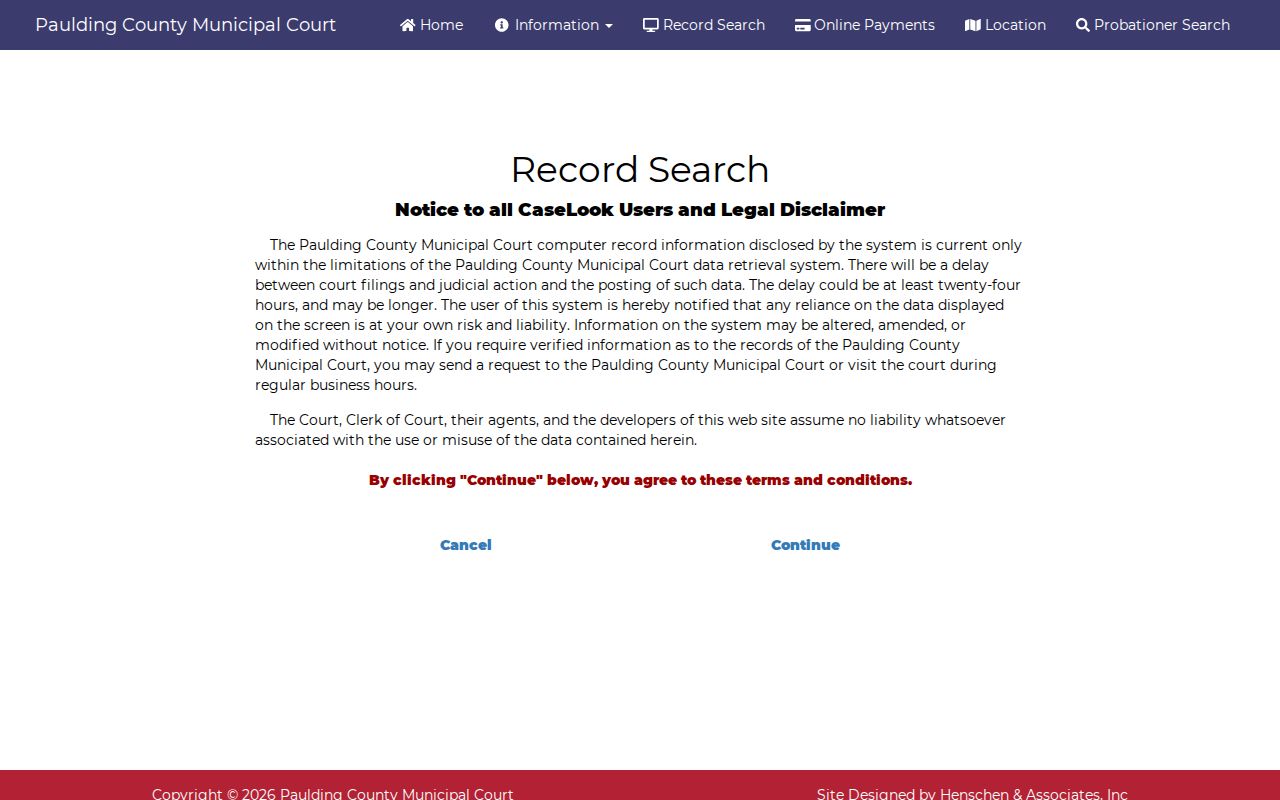
Date filters help you spot a Paulding court event fast. When the date truly matters, confirm the entry with the court that owns the case, especially if the display is unclear.
Case Search Results Explained
No populated Paulding result screen or official sample docket is available to describe. So no one can honestly promise a result-row layout, download links, or display columns. What you can expect is a chronological Paulding case record. A court or case number and case type identify the matter. Parties and counsel follow. Then come dated filings, settings, orders, and disposition, wherever the Paulding court allows public access.
| Case number | The court’s identifier for the matter. In Paulding CaseLook, the Municipal Court field is numeric only. |
|---|---|
| Case type | A category. Paulding CaseLook exposes Traffic, Criminal, Civil, Small Claims, and Parking as search choices. |
| Parties and counsel | Part of the local chronological case-record model, not a promise about a particular public result column. |
| Filing date | A Paulding CaseLook search criterion and the date a document or case was received or filed. |
| Hearing date and docket actions | A scheduled date and later filings, settings, orders, or disposition may be part of a Paulding case record when publicly available. |
Identify the court and case from a returned item. Then ask the proper clerk for a verified record when you need one. A Paulding docket logs case actions over time. It is not the same as a certified copy of a filed document.
Paulding County Docket Search Has No Statewide Trial Portal
Ohio offers no single statewide trial-court portal for a Paulding County case. The Paulding Common Pleas eServices selector covers just two options: All Sites and Common Pleas. That leaves Paulding Municipal Court, Paulding Probate, and Juvenile records outside its reach. The state's own role is limited to court structure and directory information. That helps you pick the right local channel rather than substituting for a missing case.
So match the tool to the court. Use Paulding eServices for Common Pleas public case information. Use Municipal Court CaseLook for that lane. Use the separate Paulding Probate search for probate matters. When a docket search online leaves questions open, the Paulding clerk holding that court's records can answer them. That court-specific route beats treating a Paulding County docket search like a statewide name lookup.
Paulding County Docket Search Includes a Separate Probate Route
Probate stands apart in Paulding. Neither the Municipal Court CaseLook nor the Common Pleas eServices selector includes it. The Paulding Probate Division handles estates, wills, guardianships, adoptions, marriage licenses, and related matters. It has its own linked CaseLook entry point. Its published office contact is separate from both the Legal Division and the Municipal Court Clerk. For probate court records, start with the official Probate CaseLook entry page, which the Paulding County docket search image draws from.
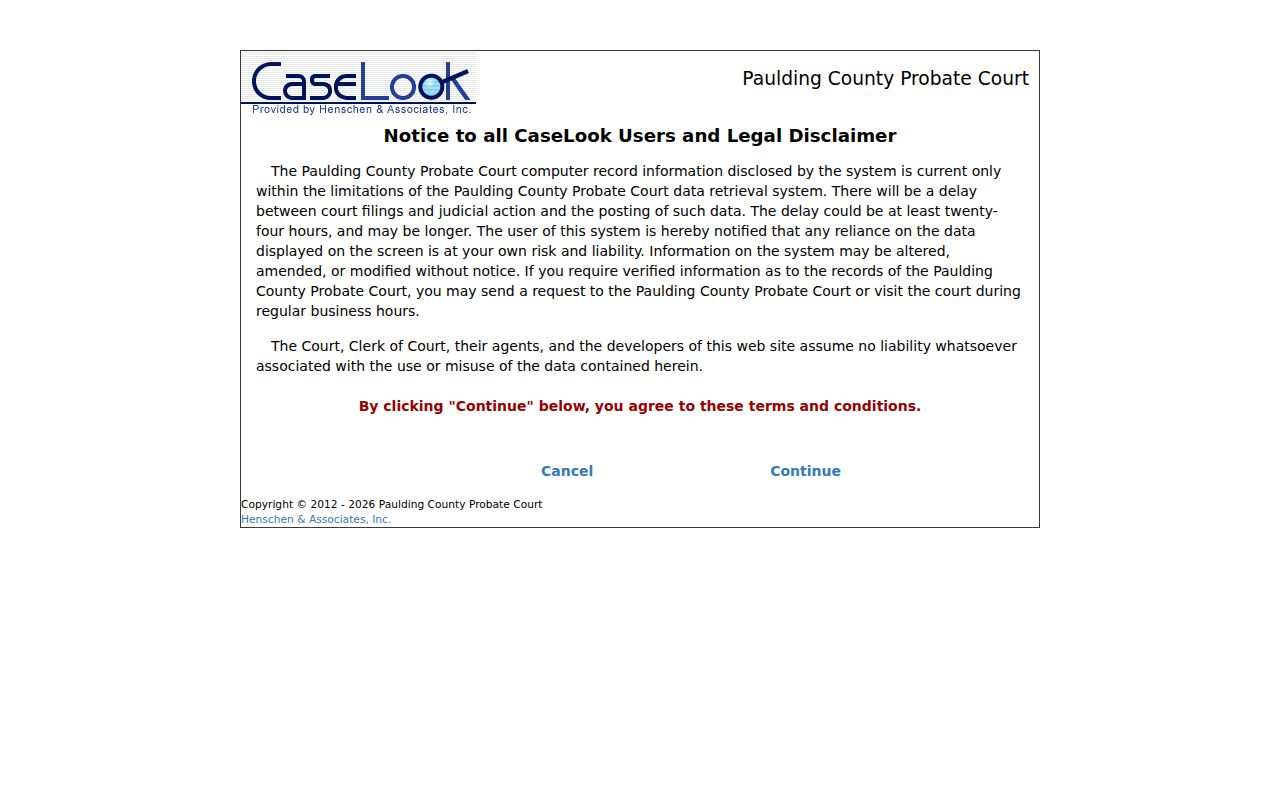
The separate Paulding entry point carries a lesson. Identify the court division first, before deciding a case is absent from the internet.
Two Ways to Search: County and State
Paulding does not offer a choice between a statewide Ohio trial-case database and one county portal. The realistic approach is two-step. State resources identify the Paulding court structure; then the right Paulding court's portal or clerk supplies the case information. Each court level keeps its own record lane.
| Ohio court-structure resources | Paulding County court-specific routes |
|---|---|
| No single statewide trial-docket search was located. | Paulding Common Pleas eServices, Paulding Municipal CaseLook, and separate Probate and Juvenile channels. |
| Best for identifying the judicial system and the court level. | Best for locating a known Paulding case or hearing. |
| The Ohio court structure page explains the hierarchy. | The Paulding court or clerk verifies a current setting, an official record, or a certified copy. |
The design is local. State hierarchy can point you to the correct Paulding court. But it cannot replace the case information that the Paulding County court or clerk holds.
Paulding County Docket Search Needs a Verified Follow-Up
Online Paulding results lag behind reality. The Paulding Municipal Court warns that filings and judicial actions can take at least 24 hours, possibly longer, to display. Its notice tells anyone needing verified information to make a request or visit. Paulding eServices adds its own reliability disclaimer for computerized information. Treat a public search as a locating tool only. It is not final confirmation of a hearing date or an official copy. The Municipal Court forms page, which the Paulding County docket search image draws from, also carries the Public Records Request route.
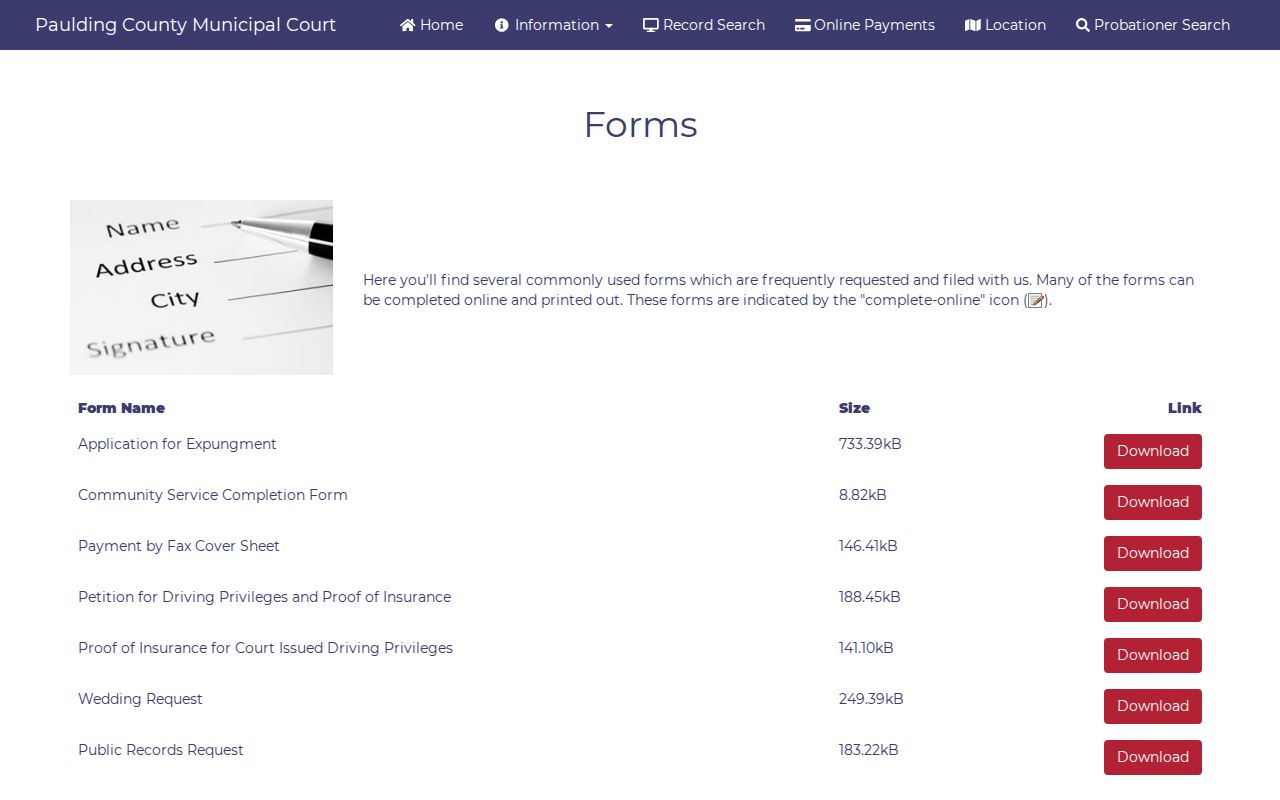
For Common Pleas matters, the Legal Division counter keeps the official file. Lower-court matters go to the separate Municipal Court Clerk or its counter.
Which Cases Stay Restricted
Ohio's Rules of Superintendence presume court records are open. They still shield personal identifiers and restricted categories. In Paulding, use the public portals to locate available case information. Then go to the correct clerk or court for inspection or an official copy. A working link is no promise that every document, case, or identifier will be visible.
Some records vanish by law. Adult sealing or expungement under R.C. 2953.32 can seal records, expunge them, and delete index references. A missing hit in a court docket search therefore proves nothing about whether a case was filed. Protected family and child information faces separate limits. The Common Pleas local rules keep sensitive personal information in domestic cases in a separate family file.
Paulding County Docket Search Has Separate Juvenile Limits
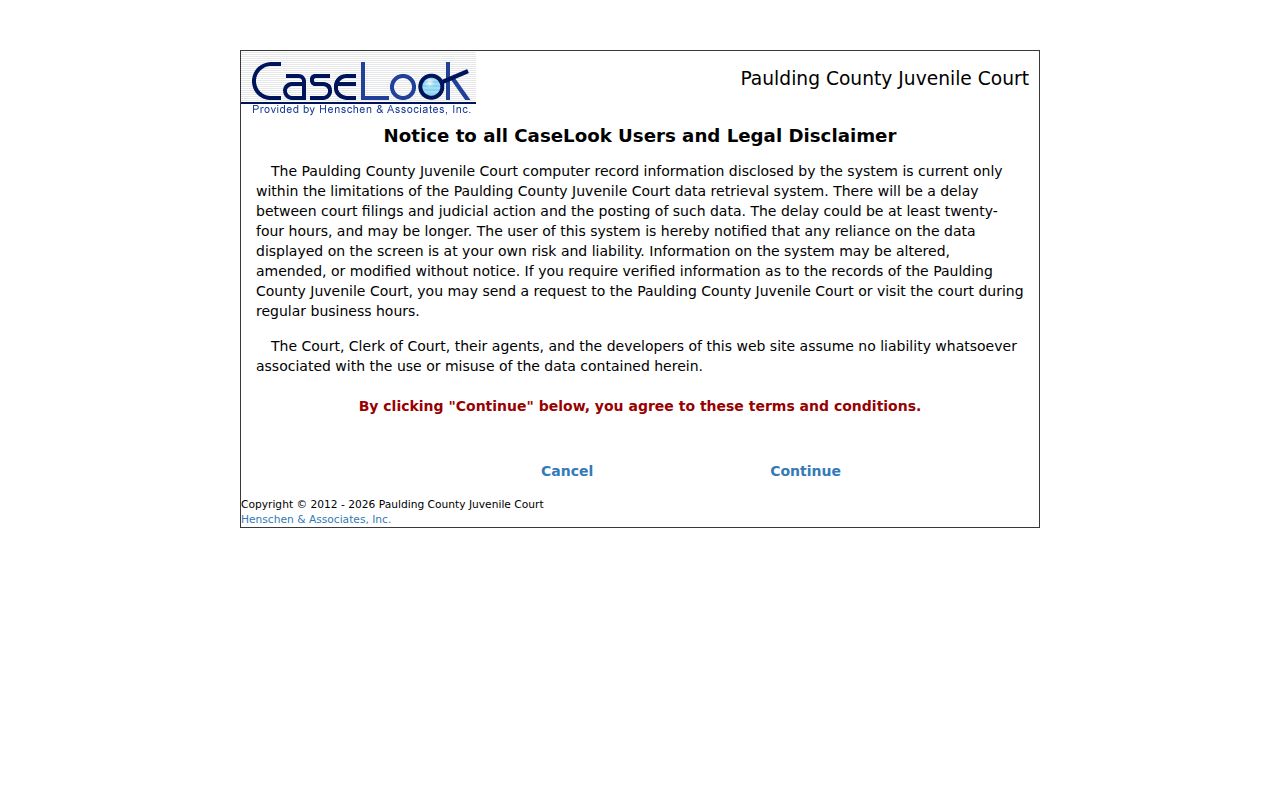
Juvenile cases need different expectations. Paulding's Juvenile Division has its own linked search channel, but juvenile material is not an ordinary adult public docket. Ohio law maintains a separate juvenile-record sealing framework. An online route is not permission to expect a complete public juvenile case history, so the official Juvenile record-search endpoint, which the Paulding County docket search image draws from, should be read with those limits in mind.
Questions about juvenile access go to the Juvenile Division. A missing or limited public display is never the complete answer.
Paulding County Docket Search Can Be Delayed Online
CaseLook delays of 24 hours or more can affect a recently filed document. They can also affect a judicial action or new setting. If the court and case lane are right, search again later. For time-sensitive confirmation, use the court's phone line or counter. Common Pleas is reached at 419-399-8220, and the separate Municipal Court Clerk at 419-399-5370.
Make the next step specific. Give the court the case number if known. Name the record or setting sought, and ask how to inspect or obtain it now. That keeps an online Paulding County docket search in its place, apart from the court's own recordkeeping.